
Tech & Connectivity
How to connect "FOLOVE" remote APP to Vibrator


Hey vibers! we bring you another helpful tutorial on how to connect your FOLOVE REMOTE APP to the vibrator and enjoy your long distance vibrators.
Key takeaways
- Charge the toy fully and turn on Bluetooth before opening the app.
- Scan for the device inside the Folove remote app, not in phone settings.
- Partner control needs both phones online and the invite accepted.
- Keep the toy within a few metres of your phone while pairing.
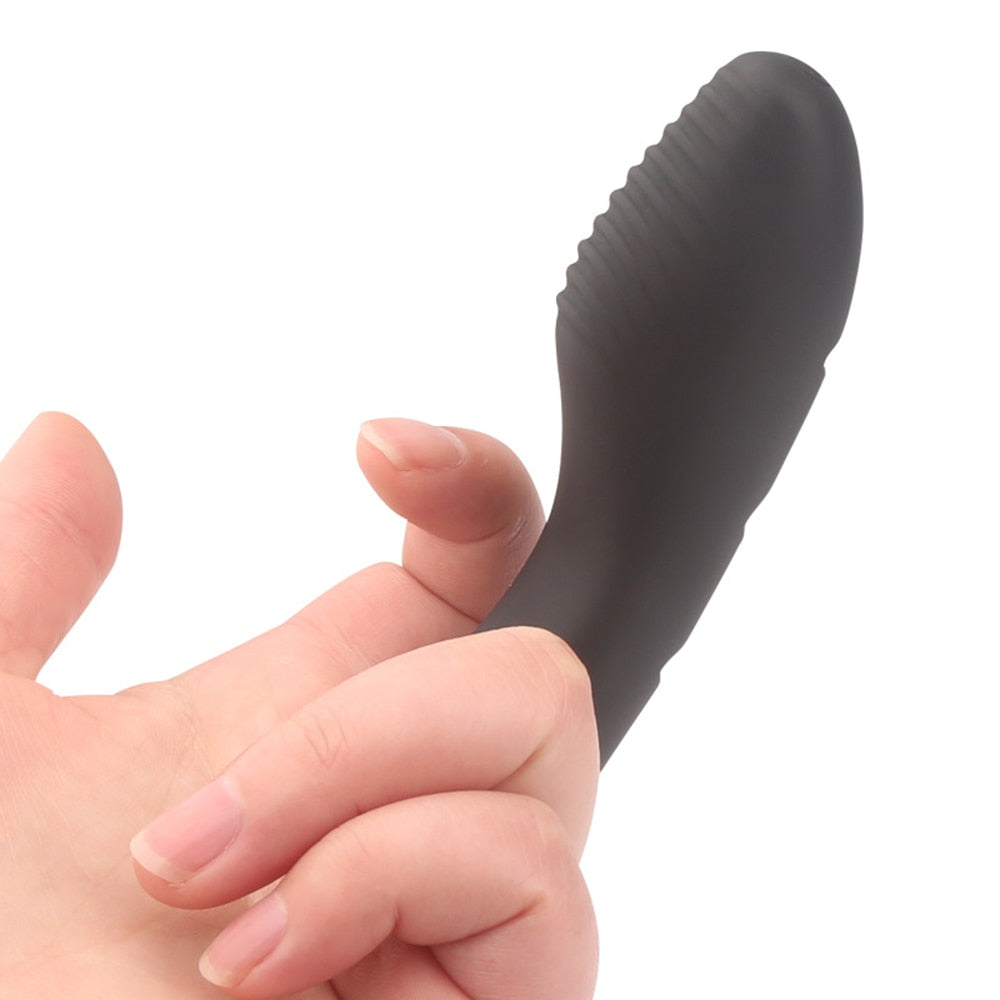
Folove is a remote control app for varieties of vibrators in the market and can be used to control your dildos, vibrators, or suction devices from any part of the world. An example of our merchandise that uses the folove remote app is the remote anal vibrator.
Continue reading to find out how to successfully pair and connect your devices to get them funtioning properly. Don't worry the steps are very simple and you can enjoy your new device in minutes, sorry i mean seconds :-)
How to connect "FOLOVE" remote APP to Vibrator
1. Download the FOLOVE REMOTE APP using this link => Android | IOS
or
Just scan the below barcode to download

2. Once downloaded, open the app on your mobile device and register an account.
Note: You need to register an account for the app to work, also verify your email once this is done you will gain access to the app interface.
3. Press and hold on the power button on your device for about 3seconds until you notice a blinking light (slow blinking light).
Note: If your device does not have light, please press and also hold for atleast 5 seconds, your should feel it vibrate when it turns on then proceed to step 4.
4. On the folove remote app, select pair device and select the device name that shows up.
5. Once connected, the slow blinking light should stop.
You are connected! Enjoy the vibration modes and frequencies tailored on the app.
Shop the products in this guide


More app pairing guides and troubleshooting help live in our Tech and Connectivity blog.
Browse Tech and ConnectivityKeep reading:
Tech & Connectivity
More from Tech & Connectivity
-

Love Spouse App Not Connecting? How to Troubles...
Love Spouse app not connecting? Work through seven checks for Bluetooth access, battery charge, device codes and pairing. Get help with partner-control problems and explore compatible toys at Vibratoy.
Love Spouse App Not Connecting? How to Troubles...
Love Spouse app not connecting? Work through seven checks for Bluetooth access, battery charge, device codes and pairing. Get help with partner-control problems and explore compatible toys at Vibratoy.
-

How to connect "JoyHub App" with Vibrator
How to Connect Your Vibrator with the JoyHub App: A Step-by-Step Guide In today’s world of intimate pleasure, technology plays a significant role in enhancing experiences. The JoyHub App is...
How to connect "JoyHub App" with Vibrator
How to Connect Your Vibrator with the JoyHub App: A Step-by-Step Guide In today’s world of intimate pleasure, technology plays a significant role in enhancing experiences. The JoyHub App is...
-

Top Sextoys Compatible with Love Spouse App
In today's digital age, technology has revolutionized many aspects of our lives, and intimacy is no exception. Couples now have the opportunity to enhance their connection and pleasure through innovative...
Top Sextoys Compatible with Love Spouse App
In today's digital age, technology has revolutionized many aspects of our lives, and intimacy is no exception. Couples now have the opportunity to enhance their connection and pleasure through innovative...
-

How to connect "Magic Motion app" with Vibrator
The Magic Motion Mobile App offers a seamless way to control and interact with your device, providing a unique and engaging user experience and also maximizing your play time and overall fun....
How to connect "Magic Motion app" with Vibrator
The Magic Motion Mobile App offers a seamless way to control and interact with your device, providing a unique and engaging user experience and also maximizing your play time and overall fun....


10 comments
We kunnen de app niet geregistreerd….neemt het wachtwoord niet aan…vraagt kleine letters of cijfers,alles al geprobeerd.lukt niet
Whenever I select the device to connect it shows “connecting” for a few seconds and then says “device disconnected”. I have the blinking light and all the app permissions are correct. I have two and both won’t connect. Please help
I’ve tried everything I can think of nothing shows up to fit the vibrator when scanned the device is not connected …..
I’m trying to connect the device nothing comes up on app
App not detecting device although device already has blinking lights